Vibe modeling: Data science, reimagined

Use natural language to generate code, run experiments, and compare results

Accelerate ML with the Domino Modeling Assistant

Vibe modeling changes the way you work. Explore data, engineer features, train, and fine-tune models with a single prompt. Domino Modeling Assistant generates the code, runs experiments, and tracks results — ensuring full transparency, governance, and auditability.

Automate the entire ML modeling lifecycle
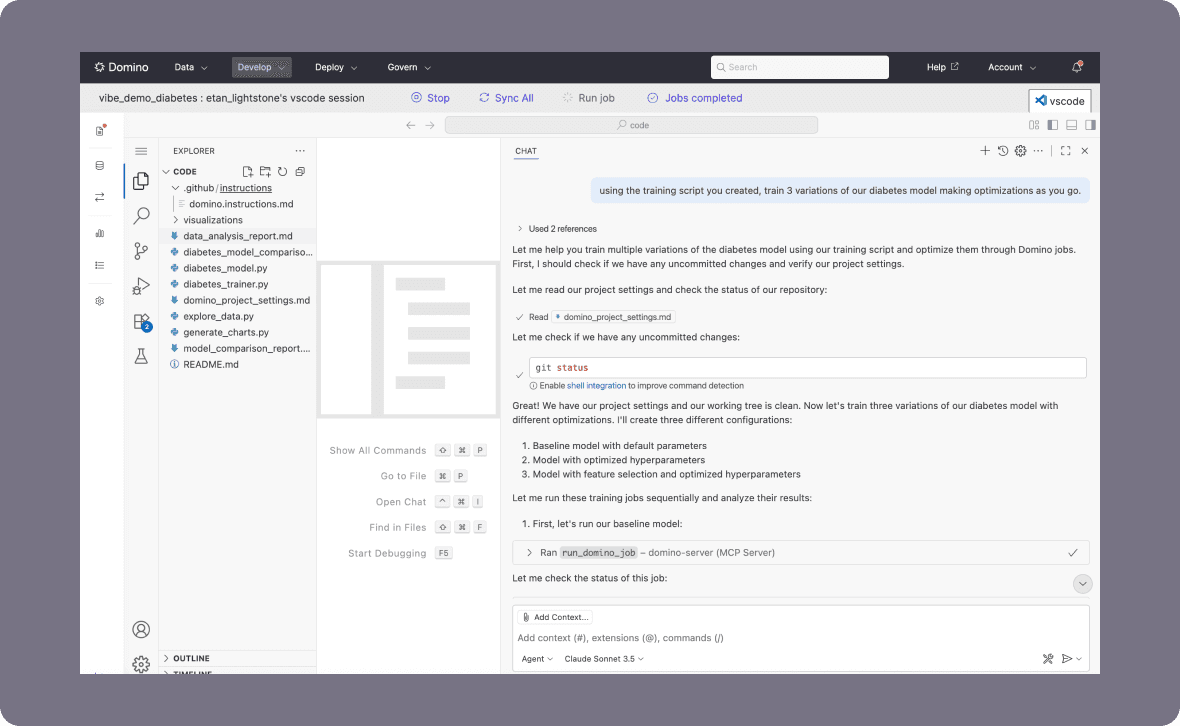
Use the Domino Modeling Assistant to transform data, engineer features, write ML code, and run taining and optimization loops. Domino plus the MCP server turns that into runnable, editable code in your workspace.

Code you can trust
Everything is versioned. Prompt history, data transformations, and model runs are stored in Domino. You always know what changed and why.

Reproducibility by default
Each variation becomes a Domino job. MCP Server preserves compute environments, parameters, and output for every run.
Native to your tools
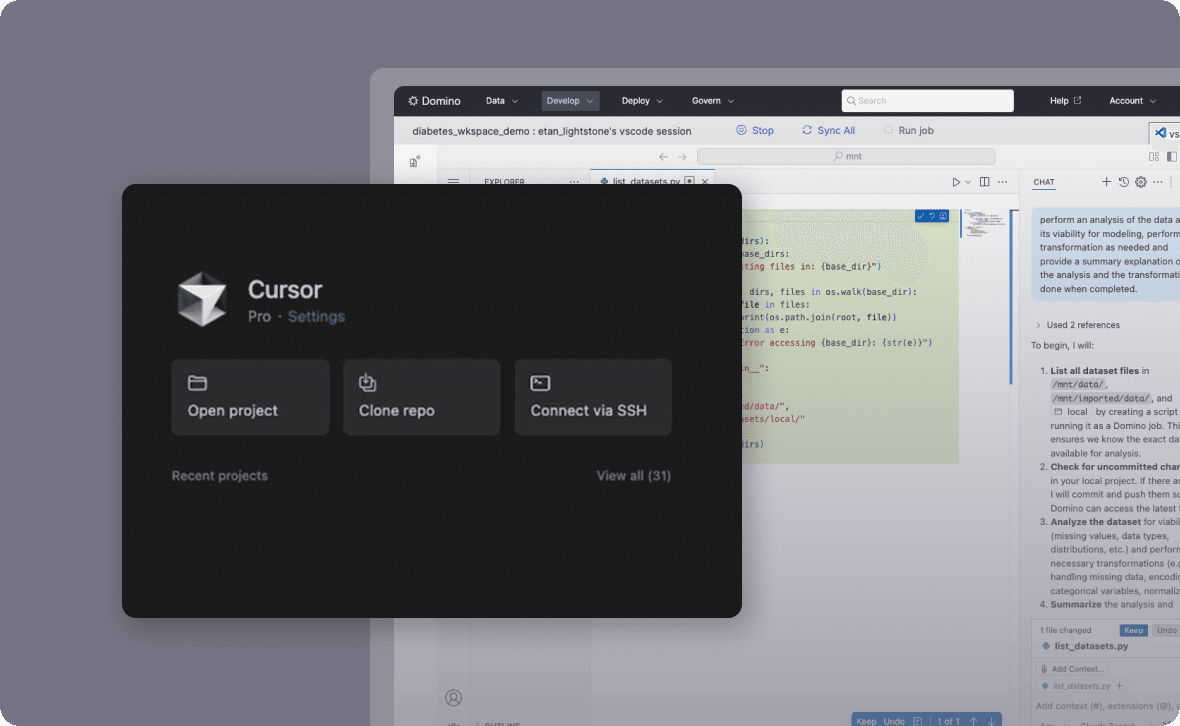
Use VS Code, Cursor, GitHub Copilot, or your favorite IDE — right inside Domino. The Modeling Assistant connects these off-the-shelf agents with Domino's MCP Server and purpose-built LLM instructions. That means your code, data, and environment stay in one place, and every experiment is tracked and reproducible by design.

Stay in control
You review the generated code. You approve runs. You see prompt logs. AI enhances, not replaces, your judgment.

See vibe modeling in action

Vibe modeling: part one

Vibe modeling: part two

How to use the Domino Modeling Assistant

one

Enable the assistant from your project

Start inside your Domino project workspace or configure your local IDE (e.g., Cursor) to connect remotely. Use a compatible environment with MCP Server and GitHub Copilot or Cursor settings.

two

Prompt your goal

Use natural language to describe what you want — clean data, generate features, define a model, or evaluate results. The assistant turns your prompt into reproducible, editable code.

three

Run experiments with governance

Execute the generated code as a Domino job. MCP server ensures compute consistency and Domino ensures traceability for every variation.

four

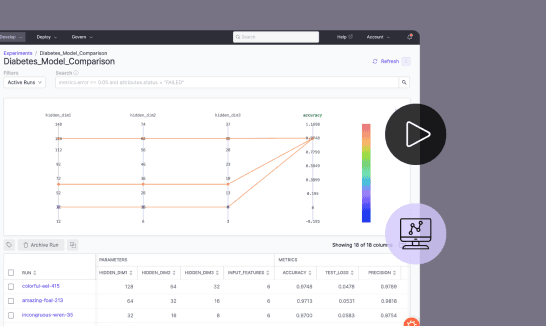
Track outputs and compare results

Domino tracks prompt history, inputs, outputs, and parameters. You can compare runs or roll back with full context.

five

Iterate and share

Refine your prompt, modify code, or branch into new experiments. Everything is logged, shareable, and reproducible.

See the Domino platform in action

Watch the 15 minute on-demand demo to get an overview of the Domino Enterprise AI Platform.